How to Download Your Lovable Project Code without Github
Learn how to download your Lovable project source code as a ZIP file directly from the editor, no GitHub account required.

Learn how to download your Lovable project source code as a ZIP file directly from the editor, no GitHub account required.

Learn how to perform a Lovable export to GitHub using the built-in integration or manual ZIP download. Step-by-step guide for Lovable project export with screenshots.

A technical guide to AEO (Answer Engine Optimization). Learn how AI search differs from traditional SEO, which crawlers to allow, and how to make your content visible to LLMs.

A complete guide to Lovable website builder SEO features and settings. Learn what's included, what's limited by the SPA architecture, and how prerendering unlocks full SEO potential.

Compare prerender services, SSR frameworks, and DIY solutions. Find the best SEO fix for your React, Vue, or Angular single-page application.

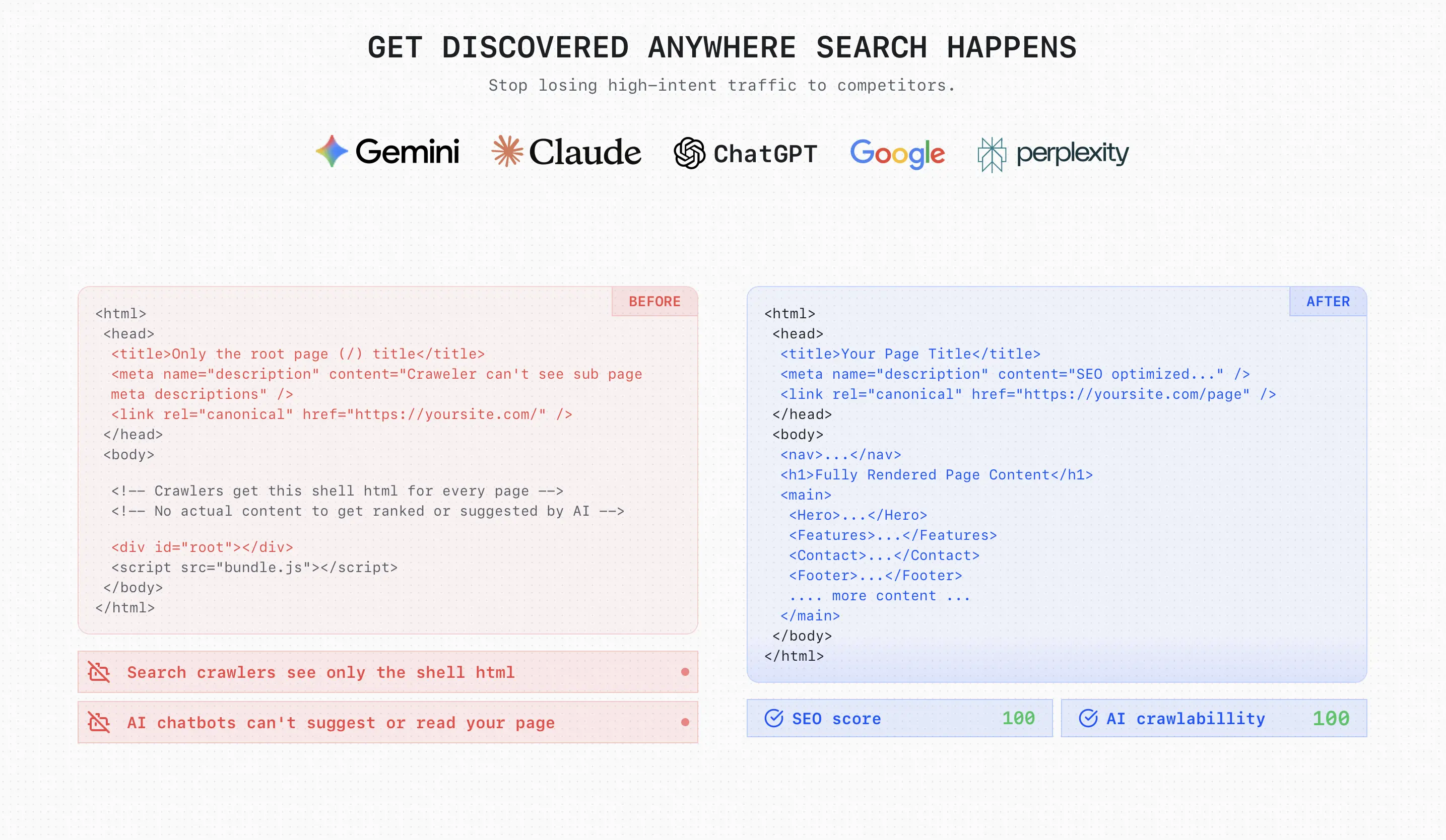
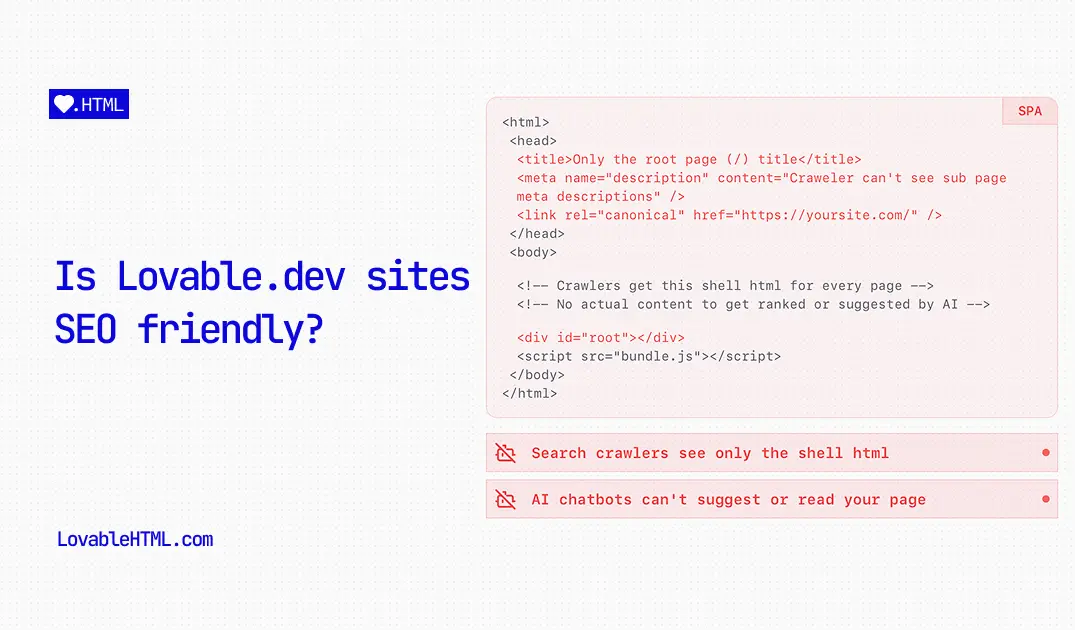
Serving plain HTML pages is great for SEO and AI agent crawlability. Unfortunately, this isn't possible on Lovable.dev out of the box. Here are two ways to convert your React pages into plain HTML.

Learn how to improve your Lovable.dev site's SEO with simple prompts and no-code solutions for meta tags, sitemaps, and more.
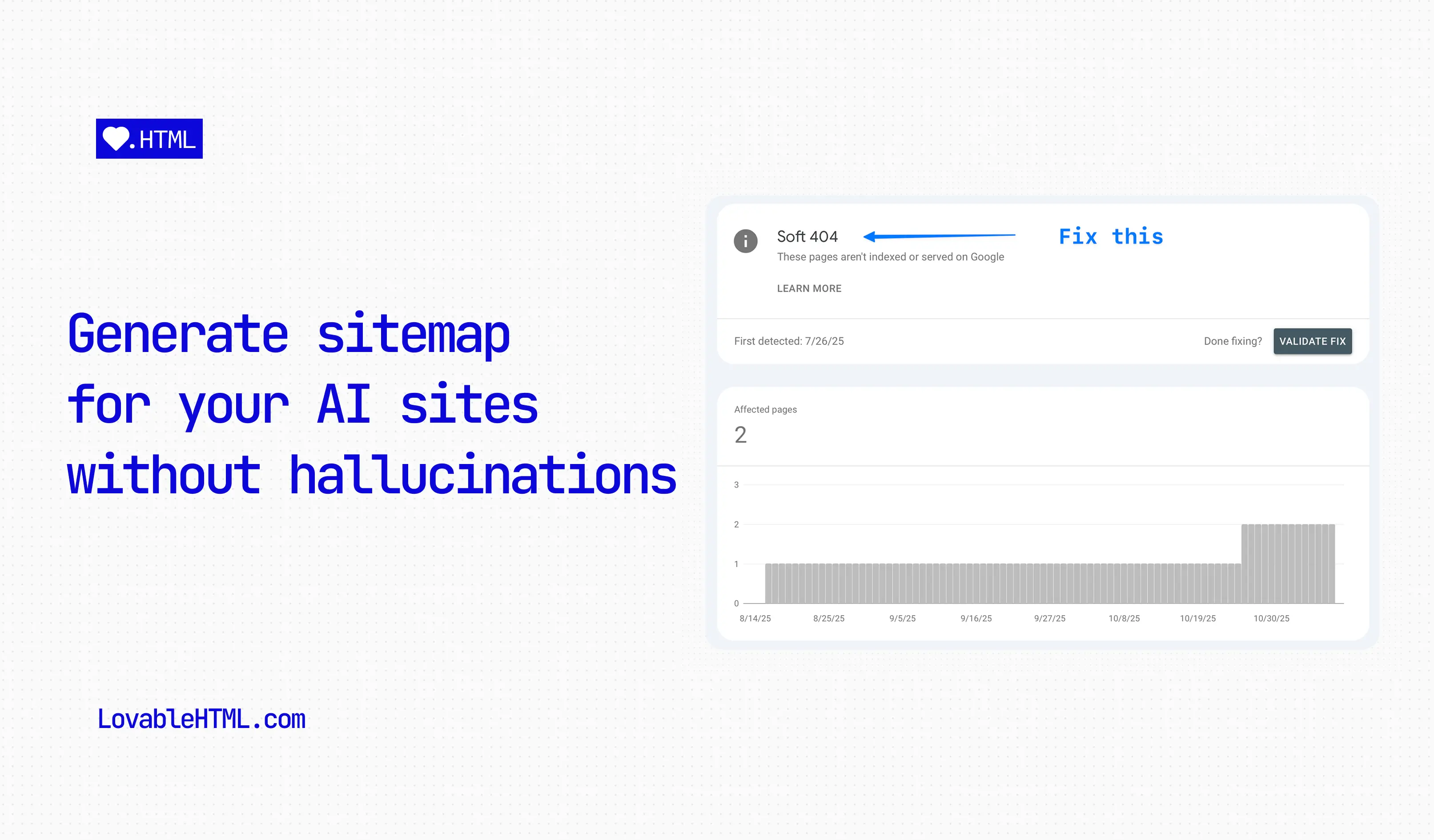
Once your pages start to grow, you will inevitable start running into this issue where Lovable will start adding non-existent urls to your sitemap or leaving some of them out. In this blog, I will show you how to programmatically create new sitemaps for your pages every time you publish your site with prompts.

Lovable AI which is main coding engine of Lovable.dev is good at a lot of things but because of the site architecture it uses, it lacks fundamental SEO best practices.

Prerender your CSR pages into HTML using Cloudflare Worker, Vercel or Netlify functions.