
How to generate a sitemap with Lovable reliably, without hallucinations
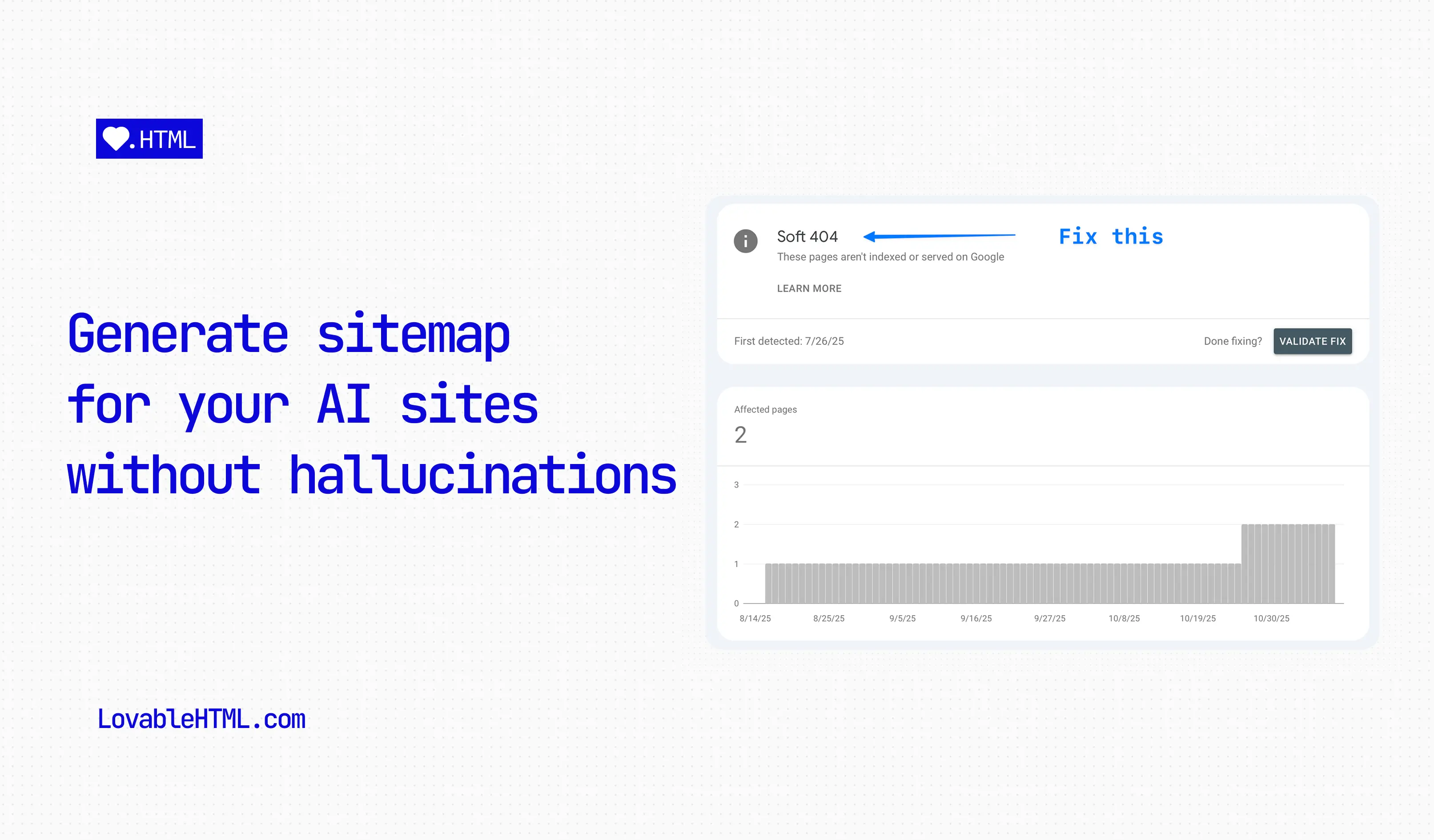
Once your pages start to grow, you will inevitable start running into this issue where Lovable will start adding non-existent urls to your sitemap or leaving some of them out. In this blog, I will show you how to programmatically create new sitemaps for your pages every time you publish your site with prompts.
In this guide, I'll walk you through how to create a script that automatically generates a perfect, up-to-date sitemap by reading your application's routes directly. We'll also create a simple Vite plugin to run this script automatically every time you build your project.
If you're looking to improve your Lovable app's search visibility further, check out our guide on lovable seo optimization with prompts, explore the complete lovable seo features and documentation, and then read Prerender Lovable Apps: The Cheapest Way to Fix Your SEO so crawlers can actually read the pages your sitemap exposes.
Let's get started.
Step 1: Create the Script and Install Dependencies
First, we need to install a couple of packages to parse our App.tsx. The script relies on @babel/parser to understand the structure of your routes. Run the following command in your terminal or ask Lovable to run it for you:
bun add -d @babel/parser @babel/traverse @types/babel__traverse
With the dependencies installed, we can create the file to house our script. Ask Lovable to create an empty file for you with this prompt:
'Create a new file at
src/lib/generate-sitemap.ts, keep it empty.'
Step 2: Add sitemap generator script
Now, switch to Code mode and open the new file at src/lib/generate-sitemap.ts. Copy and paste the following code into it. This script uses @babel/parser to read your router file, find all static routes, and generate an sitemap.xml from them.
Make sure to configure the BASE_URL and add any routes you want to exclude to the IGNORE_PATHS array.
// Sitemap generation scriptimport fs from "fs";import path from "path";import { fileURLToPath } from "url";import * as parser from "@babel/parser";import traverse, { NodePath } from "@babel/traverse";import { JSXAttribute, JSXIdentifier, JSXOpeningElement } from "@babel/types";// ES module equivalent of **dirnameconst **filename = fileURLToPath(import.meta.url);const **dirname = path.dirname(**filename);// ———————————————// CONFIGURATION// ———————————————// ⚠ 1. website url (Do not forget to replace this with your own url)const BASE_URL = "https://encited.com";// ⚠ 2. input path (router.tsx contains all routes)const ROUTER_FILE_PATH = path.resolve(\_\_dirname, "../App.tsx");// ⚠ 3. SET THE OUTPUT FOLDER (default is 'public' at project root)const OUTPUT_DIR = path.resolve(\_\_dirname, "../../public");// ⚠ 4. PATHS TO IGNORE (exact matches or patterns with wildcards)const IGNORE_PATHS: string[] = ["/dashboard/*",/*add more paths here\*/];// ———————————————// SITEMAP SCRIPT// ———————————————const SITEMAP_PATH = path.join(OUTPUT_DIR, "sitemap.xml");/\*\*- Finds the value of a JSX attribute (e.g., path="/foo")\*/function getAttributeValue(astPath: NodePath<JSXOpeningElement>,attributeName: string): string | null {const attribute = astPath.node.attributes.find((attr): attr is JSXAttribute =>attr.type === "JSXAttribute" && attr.name.name === attributeName);if (!attribute) {return null;}const value = attribute.value;if (value?.type === "StringLiteral") {return value.value;}return null;}/\*\*- Joins path segments into a clean URL path.\*/function joinPaths(paths: string[]): string {if (paths.length === 0) return "/";const joined = paths.join("/");// Clean up double slashes and trailing slashesconst cleaned = ("/" + joined).replace(/\/+/g, "/"); // Replace // with /if (cleaned.length > 1 && cleaned.endsWith("/")) {return cleaned.slice(0, -1); // Remove trailing slash}return cleaned;}/\*\*- Checks if a route should be ignored based on IGNORE_PATHS configuration\*/function shouldIgnoreRoute(route: string): boolean {for (const ignorePattern of IGNORE_PATHS) {// Exact matchif (ignorePattern === route) {return true;}// Wildcard pattern match (e.g., "/api/*" matches "/api/auth/callback")if (ignorePattern.endsWith("/*")) {const prefix = ignorePattern.slice(0, -2); // Remove "/*"if (route.startsWith(prefix + "/") || route === prefix) {return true;}}}return false;}/\*\*- Generates the XML content for the sitemap\*/function createSitemapXml(routes: string[]): string {const today = new Date().toISOString().split("T")[0];const urls = routes.map((route) => {const fullUrl = new URL(route, BASE_URL).href;return `<url><loc>${fullUrl}</loc><lastmod>${today}</lastmod><changefreq>weekly</changefreq><priority>0.8</priority></url>`;}).join("");return `<?xml version="1.0" encoding="UTF-8"?><urlset xmlns="http://www.sitemaps.org/schemas/sitemap/0.9">${urls}</urlset>`; }/\*\*- Main function to generate the sitemap\*/async function generateSitemap() {console.log("Generating sitemap...");if (!BASE_URL.startsWith("http")) {console.error('Error: BASE_URL in src/lib/generate-sitemap.ts must be a full URL (e.g., "https://example.com")');process.exit(1);}// 1. Read the router.tsx file contentconst content = fs.readFileSync(ROUTER_FILE_PATH, "utf-8");// 2. Parse the file content into an ASTconst ast = parser.parse(content, {sourceType: "module",plugins: ["jsx", "typescript"],});// 3. Traverse the AST to find routesconst pathStack: string[] = [];const foundRoutes: string[] = [];traverse(ast, {JSXOpeningElement: {enter(astPath) {const nodeName = astPath.node.name as JSXIdentifier;if (nodeName.name !== "Route") return;const pathProp = getAttributeValue(astPath, "path");const hasElement = astPath.node.attributes.some((attr) => attr.type === "JSXAttribute" && attr.name.name === "element");if (pathProp) {pathStack.push(pathProp);}if (hasElement && pathProp) {const fullRoute = joinPaths(pathStack);foundRoutes.push(fullRoute);}},exit(astPath) {const nodeName = astPath.node.name as JSXIdentifier;if (nodeName.name !== "Route") return;const pathProp = getAttributeValue(astPath, "path");if (pathProp) {pathStack.pop();}},},});// 4. Filter out dynamic paths or catch-allsconst staticRoutes = foundRoutes.filter((route) => !route.includes(":") && !route.includes("\*"));// 5. Filter out ignored pathsconst filteredRoutes = staticRoutes.filter((route) => !shouldIgnoreRoute(route));console.log(`Found ${foundRoutes.length} total routes.`);console.log(`Filtered ${staticRoutes.length - filteredRoutes.length} ignored routes.`);console.log(`Final ${filteredRoutes.length} routes in sitemap.`);if (filteredRoutes.length > 0) {console.log("Routes:", filteredRoutes.join(", "));}// 6. Generate the XMLconst sitemapXml = createSitemapXml(filteredRoutes);// 7. Write the sitemap.xml fileif (!fs.existsSync(OUTPUT_DIR)) {fs.mkdirSync(OUTPUT_DIR, { recursive: true });}fs.writeFileSync(SITEMAP_PATH, sitemapXml);console.log(`✅ Sitemap successfully generated at ${SITEMAP_PATH}`);}// Run the scriptgenerateSitemap().catch(console.error);
Step 3: Automate with custom Vite plugin
Since we can't run terminal commands directly, we'll create a small Vite plugin to execute our script during the build process. This ensures the sitemap is always fresh when you deploy.
Open your vite.config.ts file and add the following plugin to your configuration, use the prompt below to do it with Lovable:
'I will give you a code snippet for a custom vite plugin. I want you to add it into
vite.config.tswithout breaking or changing existing functionality. Here is the code:'
and now copy and paste the below code into your Lovable chat.
import { execSync } from "child_process";// ... other importsfunction sitemapPlugin() {return {name: "sitemap-generator",buildEnd: () => {console.log("Running sitemap generator...");try {execSync("bun run src/lib/generate-sitemap.ts", { stdio: "inherit" });} catch (error) {console.error("Failed to generate sitemap:", error);}},};}export default defineConfig({plugins: [// ... other pluginssitemapPlugin(),],// ... rest of your config});
This plugin hooks into Vite's buildEnd event and runs our script using execSync. Now, every time you publish or run bun run build, your sitemap will be automatically regenerated.
Getting low search impressions and AI can't seem to read pages on your site?
All Done
That's it. You now have a fully automated, accurate sitemap generation process that's integrated right into your build pipeline. No more manual updates, and no more phantom URLs from a confused AI. Congratulations 🎉!